



nordic intelligence for modern operations
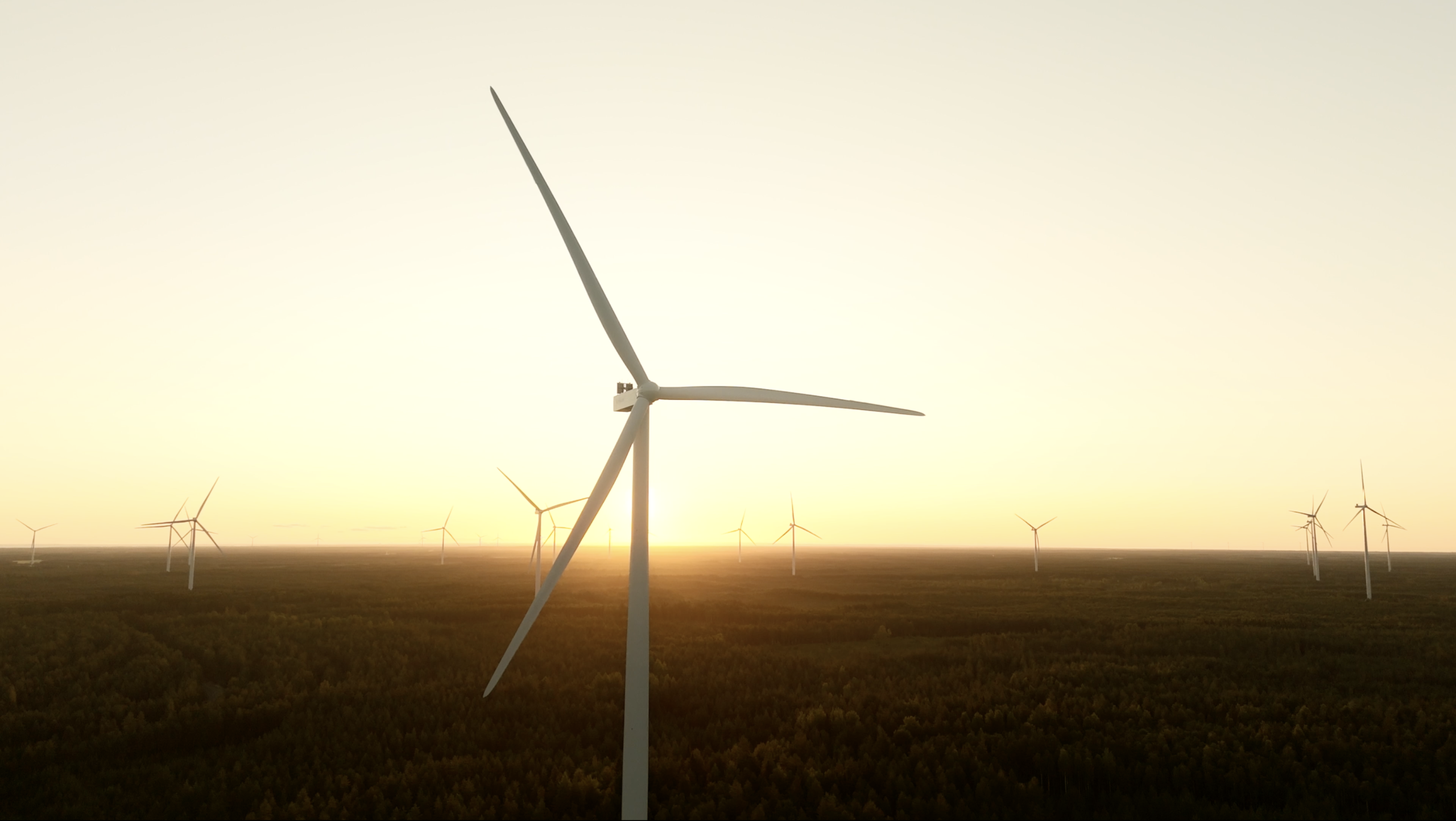
Clear decisions start with a sharper operational view. Forezon helps by visualizing every questions.
nordic intelligence for modern operations
Clear decisions start with a sharper operational view. Forezon helps by visualizing every questions.
This is how Forezon works
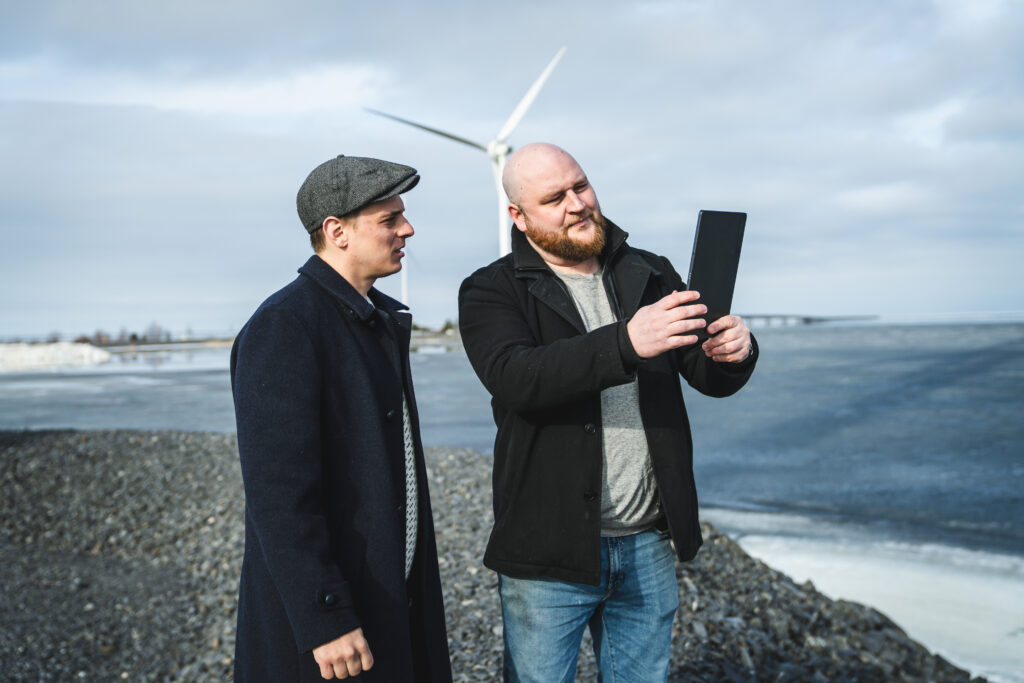

Forezon offers more convenient modelings. Want to try a demo?
With Forezon you get much more, but with lower costs and a smaller carbon footprint.
| Without | With Forezon | |
|---|---|---|
| Visualize your project from anywhere | ||
| Show different layout options in real time | ||
| Show different dimension in real time | ||
| Visualizations within the same day | ||
| You can visualize your project with a very low carbon footprint. |
Take a closer look to Forezon and future modeling
Ensure a successful project with us – this is how our projects flow
Different options to support discussion
With Forezon, you can present various layout options and adjust dimensions as the discussion progresses. There’s no longer a need to make decisions in advance—you can make changes live on site. You can upload multiple project shapefiles into the application and hide them with a single click when needed.
Less costs and carbon footprint
Photorealistic renderings created on a computer take a lot of time and resources. In addition, such modeling significantly increases your carbon footprint. Forezon leverages modern technology and is a highly energy-efficient tool for project development.
Visualize terrain and visual obstacles live
Forezon detects trees, buildings, terrain shapes, and other obstacles, masking the parts of the turbine that would be hidden by them. With a single click, you can reveal the entire park from behind these obstacles if desired.
A high-quality product comes from strong collaboration
We have developed the product together with a Finnish project developer and carefully addressed the needs of the industry. However, the application can be customized to meet the requirements of different countries.
Take a closer look to Forezon and future modeling
Ensure a successful project with us – this is how our projects flow
Different options to support discussion
With Forezon, you can present various layout options and adjust dimensions as the discussion progresses. There’s no longer a need to make decisions in advance—you can make changes live on site.
Less costs and carbon footprint
Photorealistic renderings created on a computer take a lot of time and resources. In addition, such modeling significantly increases your carbon footprint. Forezon leverages modern technology and is a highly energy-efficient tool for project development.
Visualize terrain and visual obstacles live
Forezon detects trees, buildings, terrain shapes, and other obstacles, masking the parts of the turbine that would be hidden by them. With a single click, you can reveal the entire park from behind these obstacles if desired.
A high-quality product comes from strong collaboration
We have developed the product together with a Finnish project developer and carefully addressed the needs of the industry. However, the application can be customized to meet the requirements of different countries.
Why choose Forezon as a partner?
our partners








Frequently asked questions about Forezon
What does the modeling application actually do?
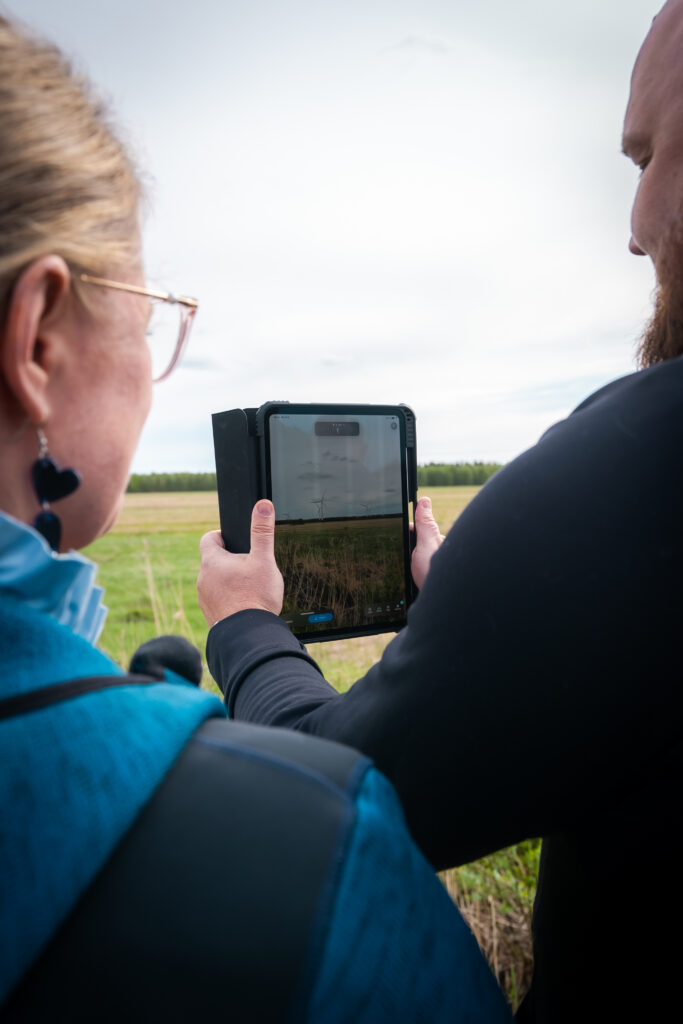
Forezon models your wind farm realistically into the real landscape using the iPad’s camera, compass, and GPS technology. The application also detects obstacles in front of the turbine being modeled and hides the parts that would be obscured behind them.
Do I need special equipment, or is a phone/tablet enough?
It’s important to us that the application runs smoothly, which is why we provide a suitable, ready-to-use iPad for this purpose. As an example of the device’s performance the application has been used to model up to 300 turbines, so presenting multiple parks simultaneously is not an issue.
Is the application difficult to use without a technical background?
Easy of use and smooth performance have been top priorities in development. You simply upload the project shapefile into the application, define the total height, and point to the desired location in the landscape.
How accurate is the park in real scale?
The application takes into account the defined turbine dimensions, viewing height, and terrain shapes. Using the shapefile, it determines the correct positions of the turbines in the landscape.
How well does the application work without an internet connection?
Many future wind farm sites are located in areas without internet access, so the application has been developed to work offline. However, an internet connection is required for updates and uploading shapefiles.